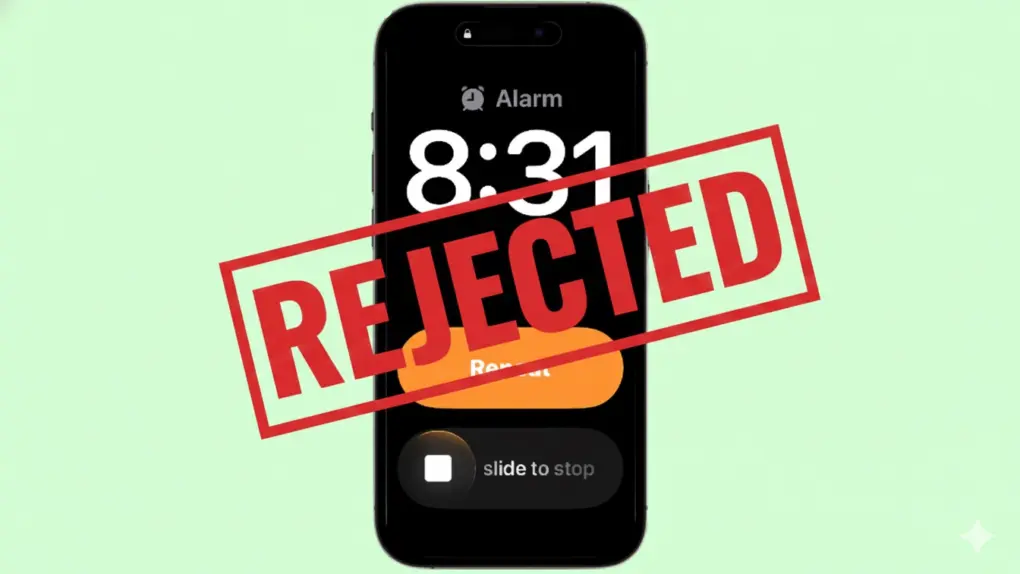
Apple recently changed the way you turn off alarms on your iPhone, switching to a new slide-to-stop gesture. The new method is designed to help you. But if you just can’t stand it, going back to the old way — stopping alarms with a button — is easy.
Here’s how to make the quick change.
The iPhone alarm slide-to-stop gesture is supposed to help
The main reason Apple switched to “slide to stop” is to keep people from accidentally turning off alarms when they’re groggy in the morning.
On iOS 18, when an alarm went off, you were presented with two buttons: Snooze and Stop. Thing is, a half-asleep person fumbling with their iPhone can easily hit the wrong button. Or someone can even accidentally turn off the alarm without waking up at all, just by putting their hand on the iPhone’s touchscreen.
The result can be disastrous. You can wake up hours later to realize you’ve missed your flight or you’re very late for a critical meeting. Maybe your boss is on the phone to tell you you’re fired.
A change came in iOS 26.1: Apple added the slide-to-stop button for alarms. Apple wants “stop” to feel like a clear decision — something you actively do rather than accidentally trigger with a quick touch.
People who avoided iOS 26 until Apple’s recent push to increase adoption are just now discovering the change to alarms on their iPhones. And some of them (predictably) hate the new way to stop iPhone alarms.
“If there is a Slide to Stop Hate Club I would like to be the president,” wrote reddit user Frosting-Diligent in a thread about the new iPhone feature. “I’m not a snooze button person and I don’t enjoy hearing my alam longer than I have to and the slide is slow and glitchier than the glitch…. Why am I having to sprint to the other side of my bathroom for the towel to dry my hands so I can slide to stop when my alarm goes off in the shower?! Or when I’m cooking and my hands are dirty?”
The reddit user also recommended that Apple provide users with an option to choose whether to use the new slider or the old button — and that’s exactly what Apple did.
If you’re not a fan of the slide-to-stop feature for alarms, it’s easy to walk back the UI change.
How to turn off the new iPhone alarm ‘slide to stop’ gesture in iOS 26.1
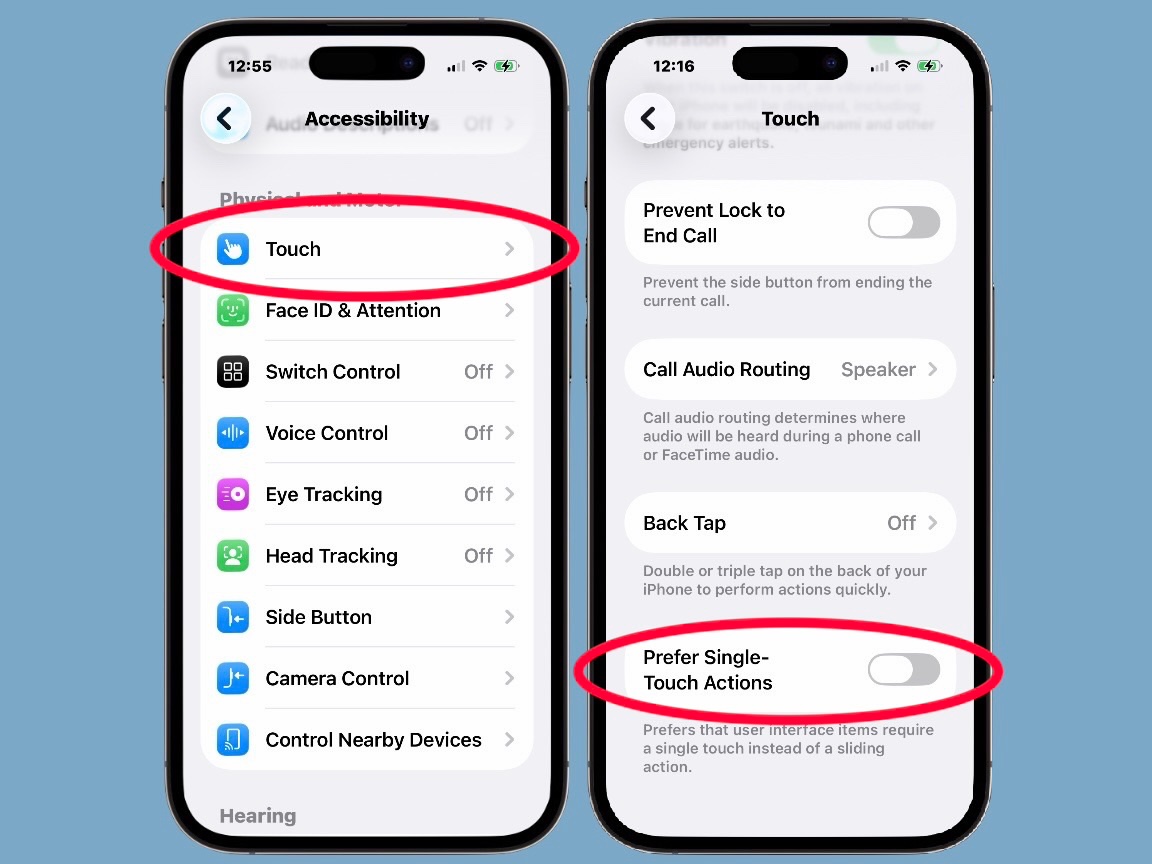
Image: Ed Hardy/Cult of Mac
Fortunately, switching back to a simple button to stop iPhone alarms is as simple as flipping the right toggle.
Open the Settings app, then tap on Accessibility, then Touch. Now scroll down until you see Prefer Single-Touch Actions. Tap to activate the toggle switch next to it.
That’s all it takes.
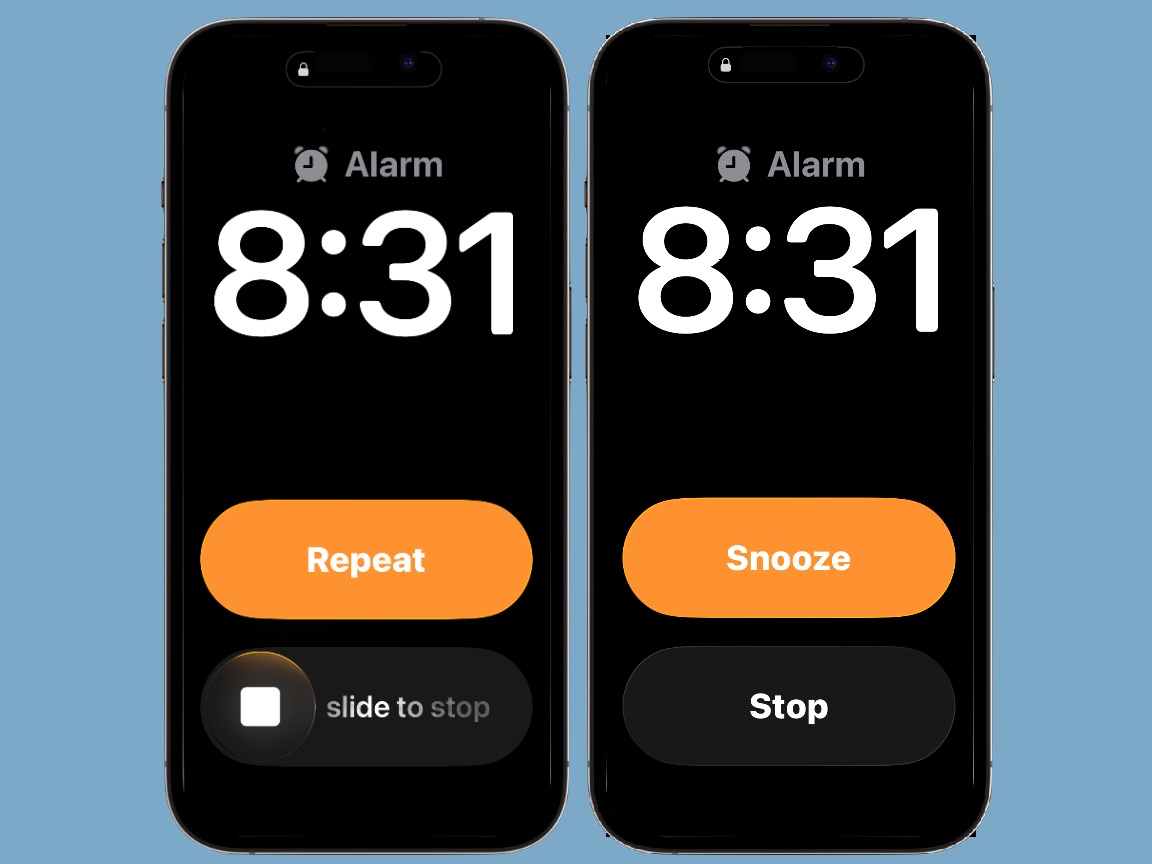
Image: Ed Hardy/Cult of Mac
Maybe rethink this later
Whenever Apple makes a change to a basic iPhone function, some people automatically reject it. Their immediate assumption is that it’s new and therefore bad.
But if you find working a slider too much to handle when you first awaken, that could be a sign that you’re at risk of falling right back to sleep.
In other words, “slide to stop” is a positive change for iPhone alarms. If you deactivate it now, maybe reconsider later. It could help keep you on schedule in the mornings.

Ed Hardy has been writing full-time about tech for 25 years, and using it for much longer than that. His intro to Apple was a Macintosh Classic II (which he still has), but now he uses a 13-inch iPad Pro as his primary computer. He’s written for NotebookReview, TabletPCReview, and Brighthand, as well as other sites.

